
WFT has been updated with the latest WordPress security release, 5.2.4
UT Theme Updates
Customize the UT Theme Header Logo
With the release of Genesis 2.10 (UT WordPress framework), all theme settings have been moved into the WordPress Customizer. This change affects how the custom header logo is set.
Your UT WordPress header logo can now be set in the WordPress customizer. Just go to Appearance -> Customize -> Header Logo. See the page below for more instructions on customizing your header logo.
Add Secondary Identification to the UT Brand Bar
The UT WordPress theme now has the ability to allow configuration of the UT branding bar with a “Secondary Identification” title. This area (top left of UT WordPress Theme) has typically been used to call out the specific school/group/lab related to the site.
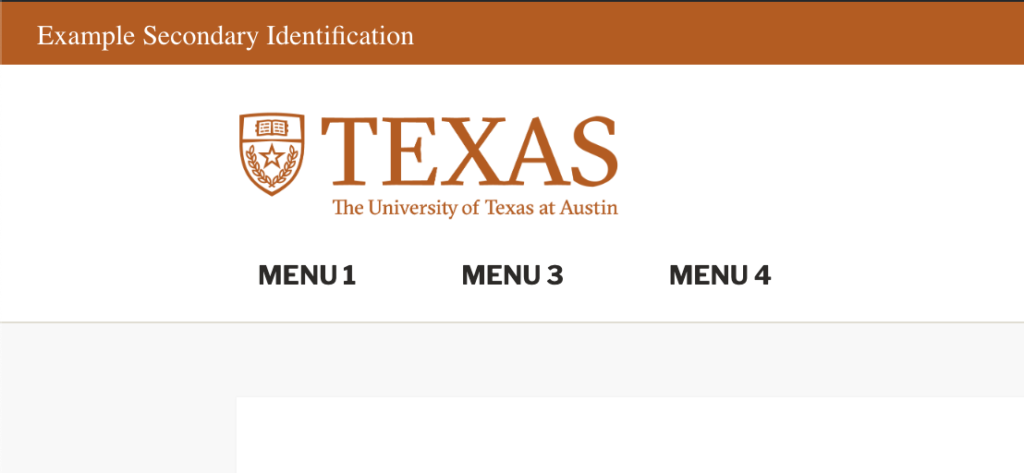
To configure the secondary identification go to:
Customize -> UT Brand Bar -> enter Secondary Identification